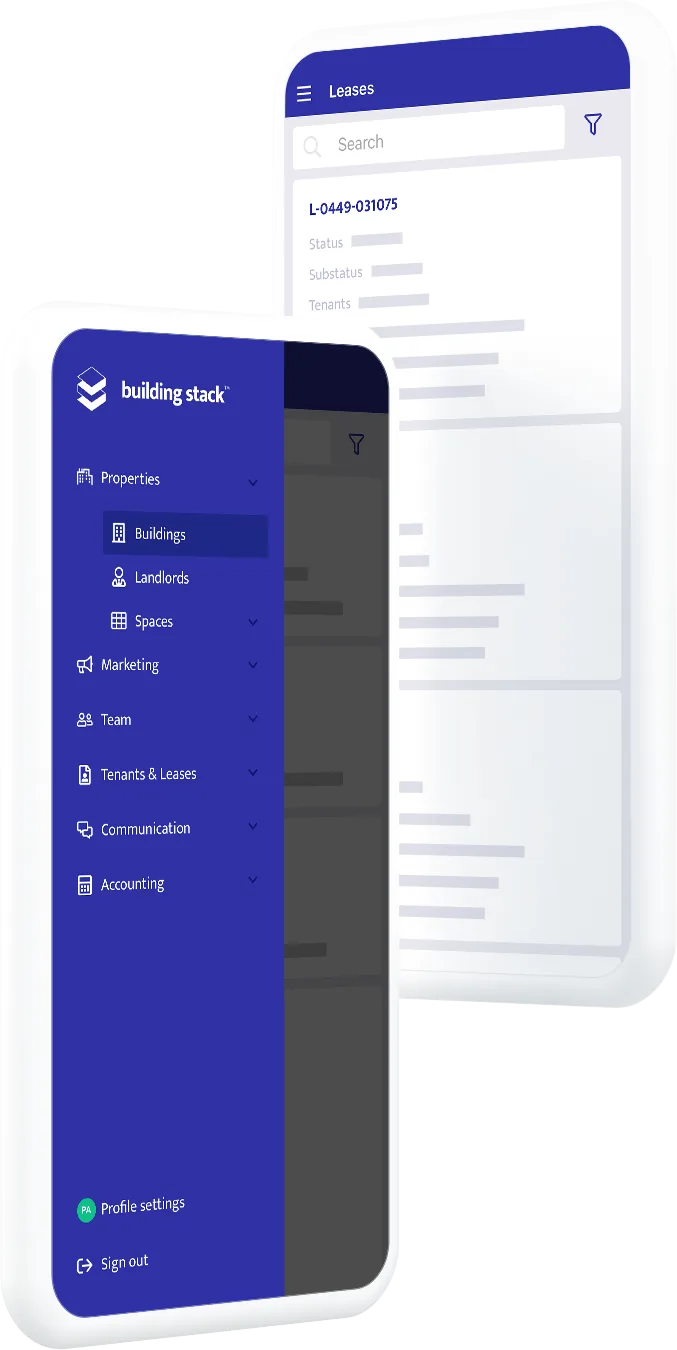
Get answers about your buildings.
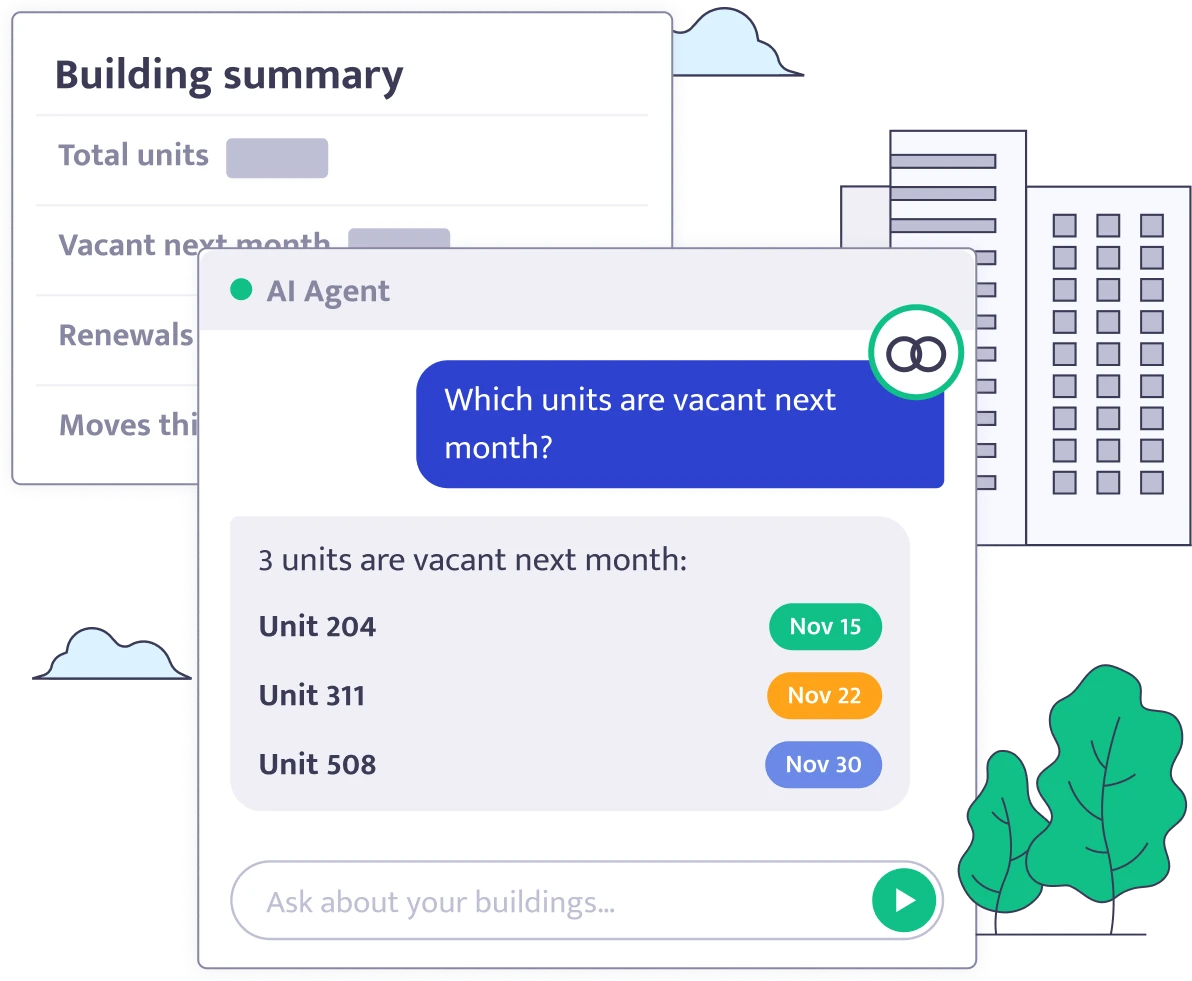
Connect a compatible AI agent to your Building Stack account and ask questions in your own words.
How to connect
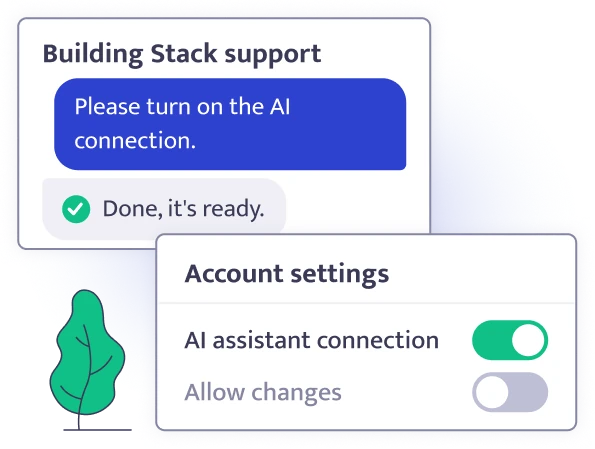
Enable MCP access for your team.
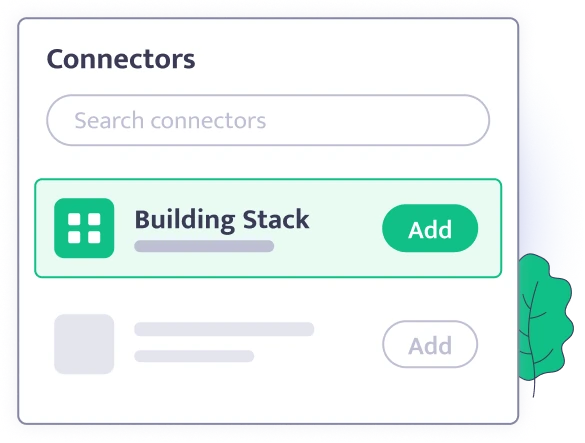
Add Building Stack as a connector to your AI agent.
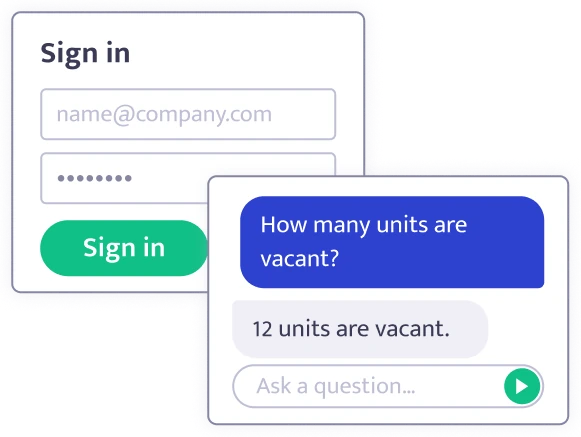
Sign in with your Building Stack login and ask a question.

What you need: your Building Stack login and an AI agent that lets you add connectors, no code needed.
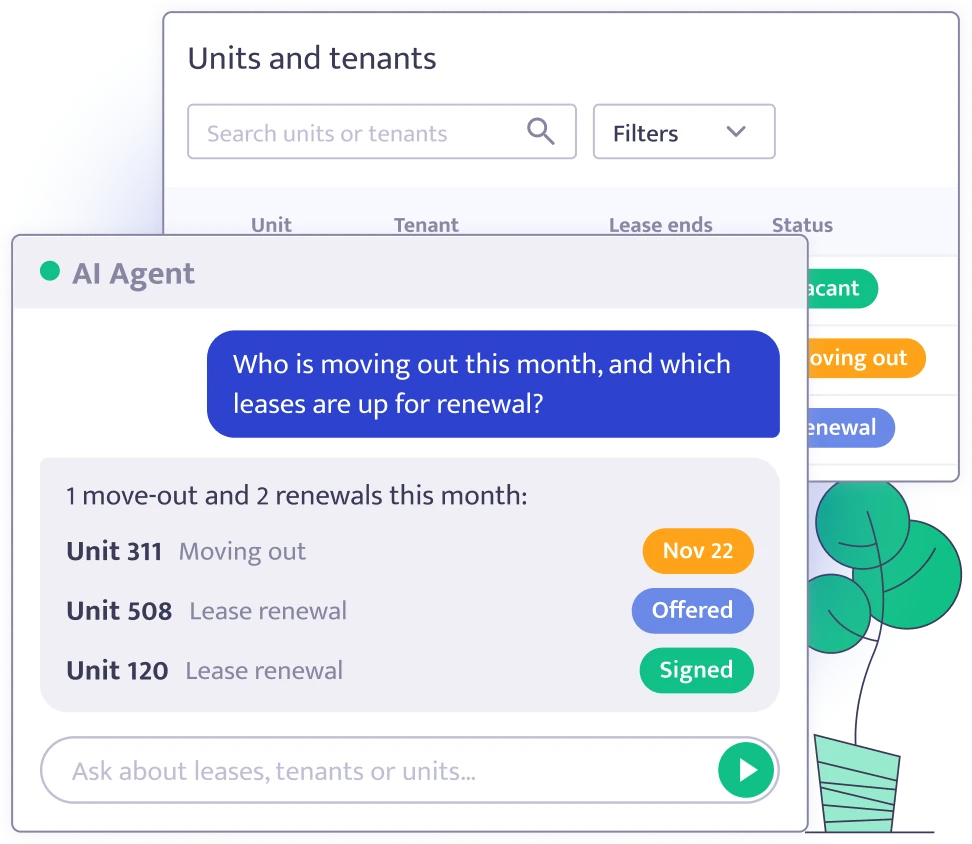
Ask about units, tenants and leases.
Find out which units are vacant, who is moving in or out, and which renewals are at each stage. Look up a tenant's active leases, what is charged for each space on a lease, and what changed on it.
Your data, your way.
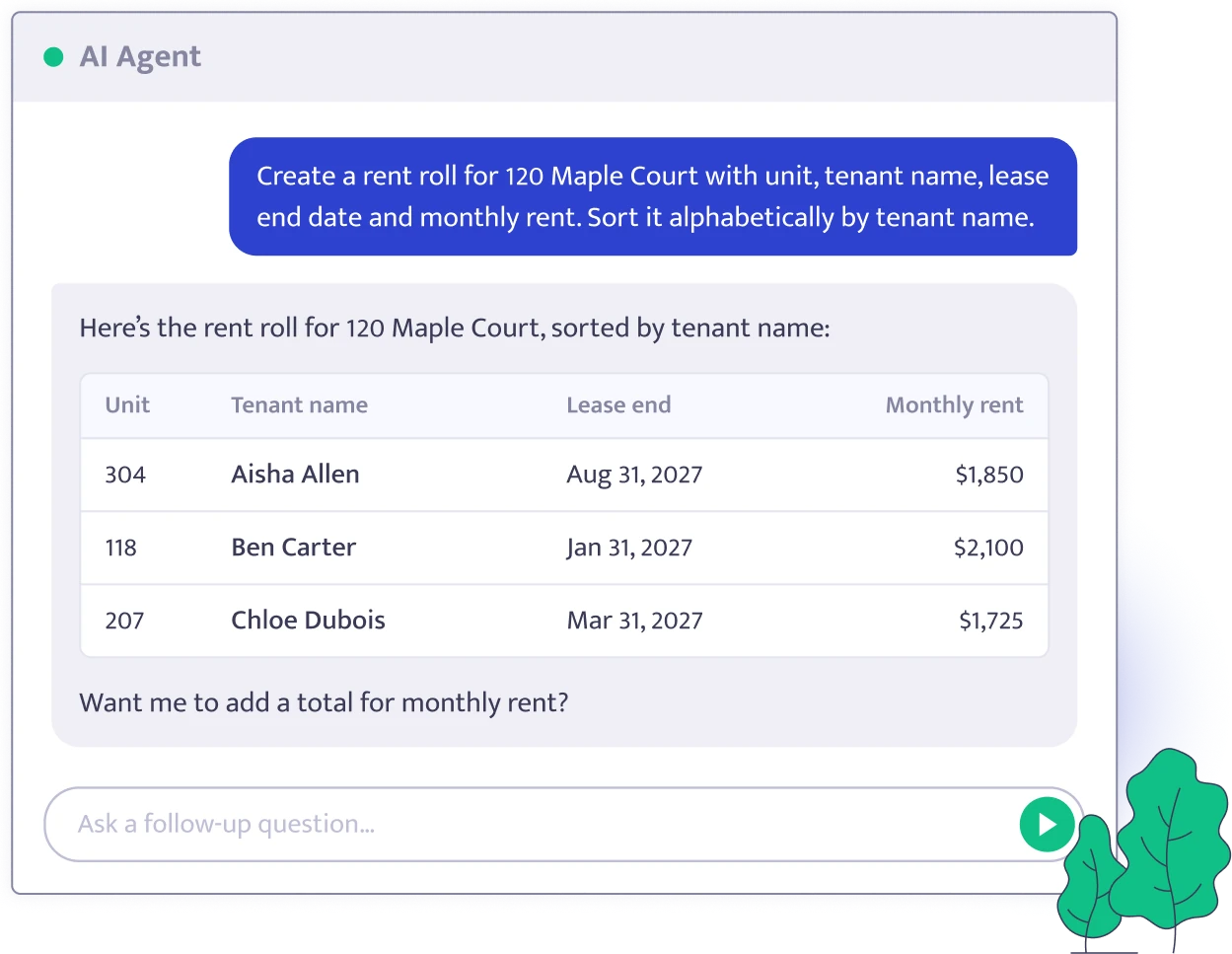
Ask for the report you need, built the way you want it, from your Building Stack data. No waiting for a platform change.
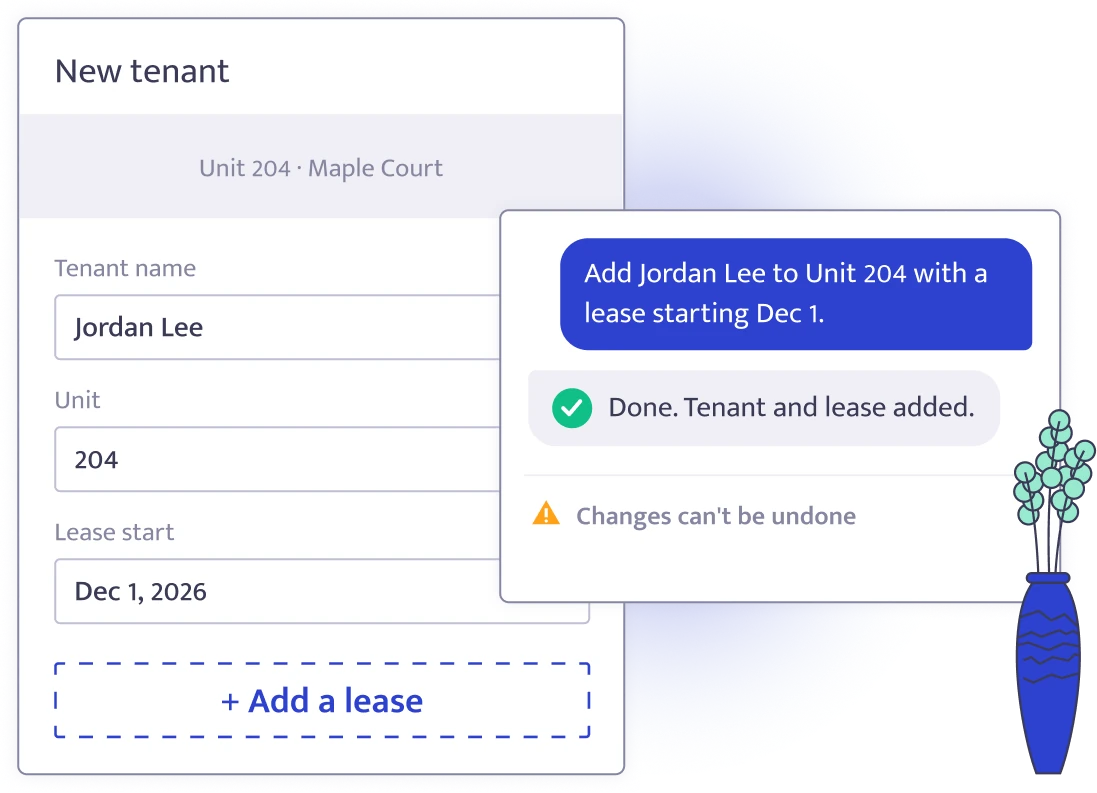
Add and update by asking.
Your agent can add and update buildings, units and tenants and can add new leases for you.
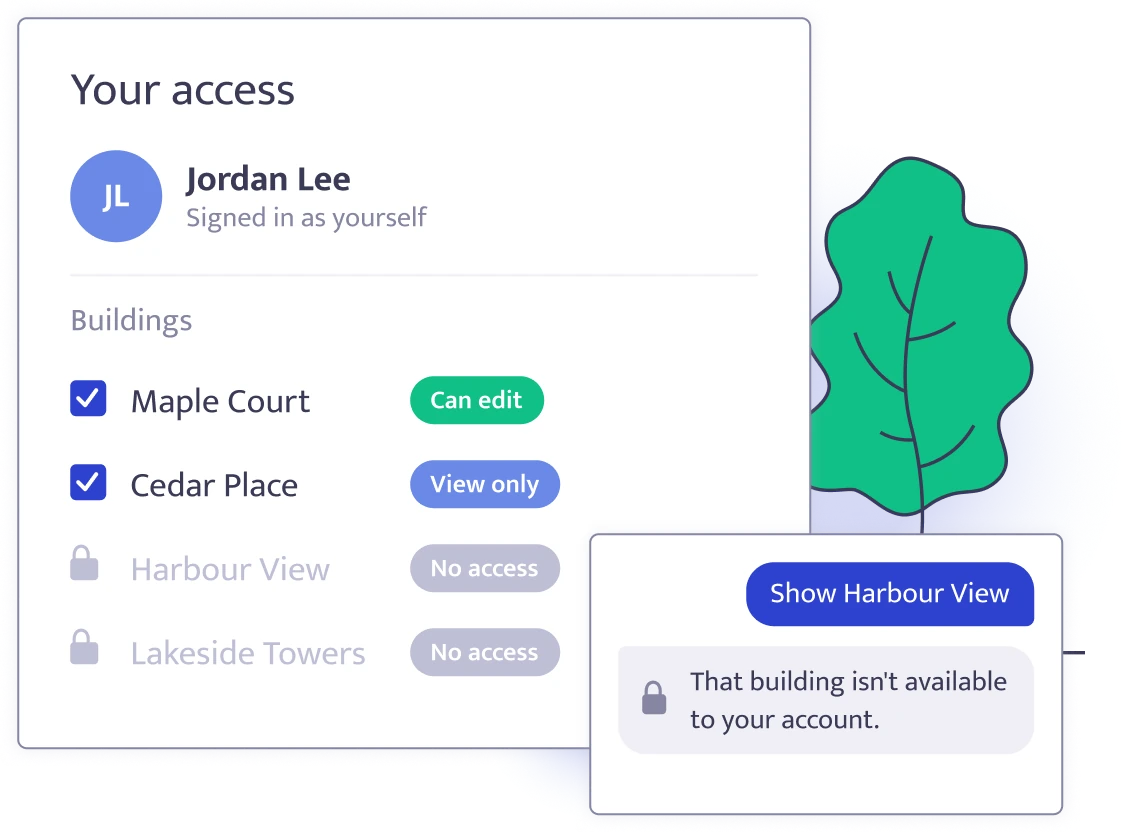
Your permissions apply.
You sign in with your own Building Stack login, so your agent can see and change only what you can.

Ask in your own words
No reports or filters to set up. Ask your question the way you would ask a colleague.

You control access
You have control on what your team can access and change via their AI.

Built on MCP
The connection uses MCP, an open standard that lets AI agents connect to other software.

Works with compatible agents
Use any AI agent that supports MCP, such as Claude or ChatGPT.